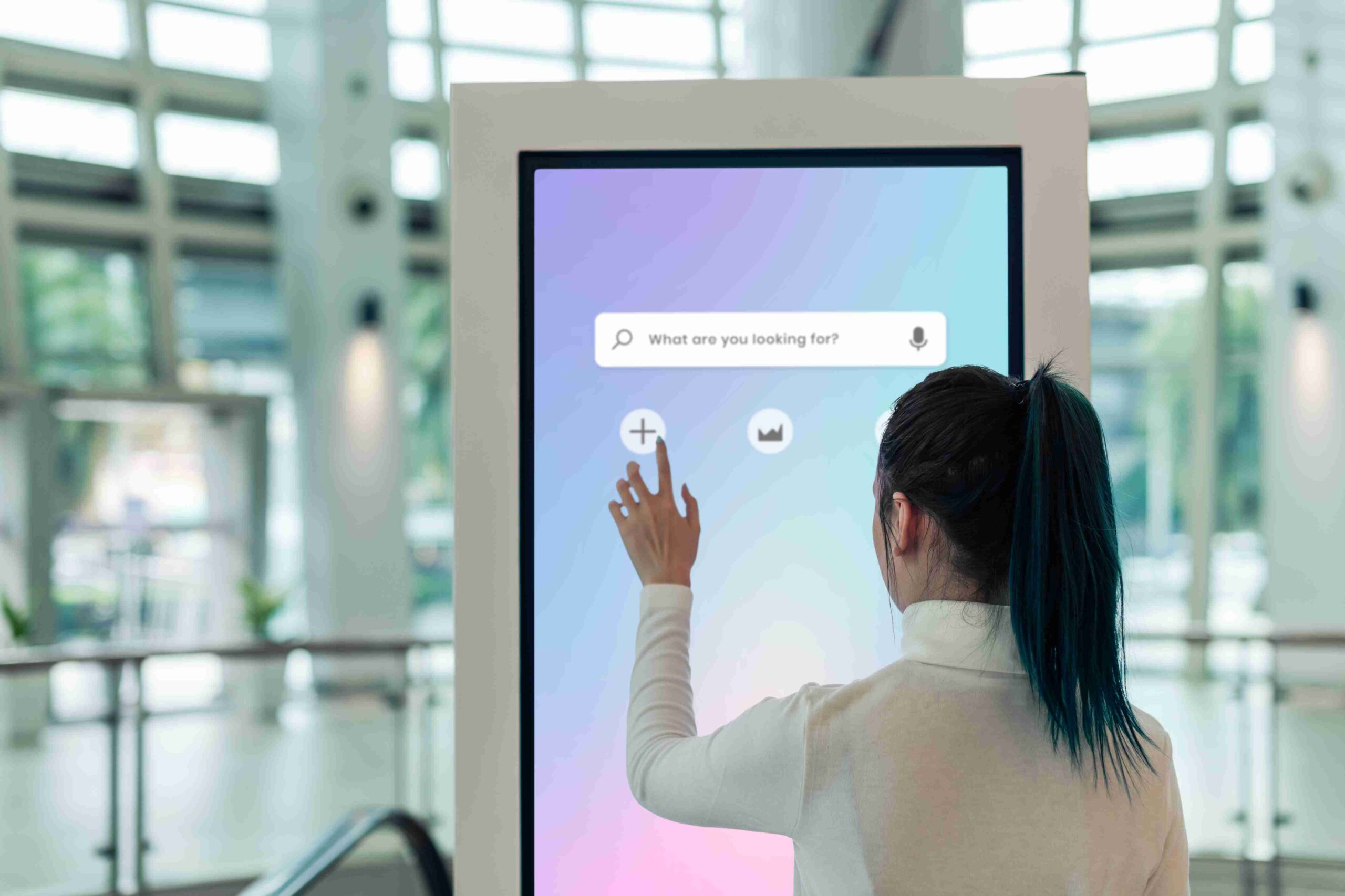
For decades, human-computer interaction relied heavily on mechanical keyboards and clunky plastic mice. Users had to translate their physical hand movements into abstract cursor motions on a distant monitor. The introduction of the multi touch screen fundamentally changed this dynamic, removing the barrier between the user and the digital interface. By allowing direct physical manipulation of digital objects, these displays made computing far more accessible and natural for everyone.
The shift from single-touch displays—like the early resistive touchscreens found on older cash machines—to multi-touch technology marked a massive leap forward. Single-touch panels could only register one point of contact at a time, making them little more than a replacement for a mouse click. Multi-touch panels, however, can track two or more points of contact simultaneously. This capability unlocked a completely new vocabulary of gestures, such as pinching, rotating, and swiping with multiple fingers.
Understanding how this technology works, its everyday applications, and its future potential offers valuable insight into the devices we rely on daily. This post explores the mechanics behind different touch sensors, the distinct benefits they provide to users, and the various ways they are applied across both consumer and professional landscapes.
Understanding the Technology: Capacitive vs. Resistive Sensors
At the core of every interactive display is a sensor system designed to detect and process physical contact. The two most common technologies used to achieve this are capacitive and resistive sensors, each serving entirely different purposes.
Capacitive Touchscreens
Most modern smartphones and tablets use capacitive touchscreens. These displays are coated with a transparent conductive material. Because the human body conducts electricity, touching the screen interrupts its electrostatic field. The device’s processor pinpoints the exact location of this disruption and translates it into a digital command. Capacitive screens are highly responsive and support complex multi-touch gestures, but they generally require contact from a bare finger or a specialised capacitive stylus to function.
Resistive Touchscreens
Resistive touchscreens rely on physical pressure rather than electrical conductivity. They consist of two flexible layers separated by a tiny gap. When a user presses down on the screen, the top layer bends to touch the bottom layer, completing an electrical circuit at that specific point. While resistive screens typically only support single-touch inputs and lack the smooth responsiveness of capacitive displays, they hold a distinct advantage: they can be operated with heavy gloves, credit cards, or any blunt object. This makes them highly reliable in industrial environments, restaurant kitchens, and outdoor kiosks.
Key Benefits for Everyday Users
The widespread adoption of multi-touch technology is no accident. It offers several practical advantages that vastly improve the user experience compared to traditional input methods.
Intuitive Gestures
Multi-touch interfaces mimic real-world physics. If you want to make an image larger, you pull your fingers apart as if you are stretching it. If you want to scroll through a document, you push the page up or down. These physical gestures require almost no learning curve, allowing even young children and the elderly to navigate complex operating systems with ease.
Increased Speed and Efficiency
Navigating a traditional desktop interface involves moving a mouse to a specific location, clicking a button, and waiting for a response. Touch displays eliminate this middle step. Users can tap directly on the application or file they want to open. This direct manipulation significantly reduces the time it takes to complete basic tasks, resulting in a much faster computing experience.
Improved Accessibility
For individuals with certain motor disabilities, gripping a mouse or typing on a physical keyboard can be painful or entirely impossible. Touchscreens offer a more forgiving alternative. Modern operating systems also feature extensive accessibility options specifically designed for touch displays, such as customisable gesture controls and on-screen assistive menus, ensuring technology remains usable for a broader demographic.
Common Applications in Daily Life
You rarely have to look far to find a multi-touch interface. They have seamlessly integrated into almost every aspect of modern public and private life.
Smartphones and Tablets
The most prominent application of this technology is the modern smartphone. The ability to register multiple points of contact is what makes mobile gaming, rapid text messaging, and seamless web browsing possible on a pocket-sized device. Tablets take this a step further, offering larger canvases that frequently replace traditional laptop computers for casual home use and media consumption.
Public Kiosks and Retail Displays
Interactive kiosks rely heavily on touch interfaces. Self-service checkouts in supermarkets, interactive maps in large shopping centres, and automated ticketing machines at railway stations all use touch panels to guide users through transactions quickly. These public displays are designed for durability and ease of use, allowing customers to complete tasks without needing staff assistance.
Specialised Uses in Professional Industries
Beyond consumer electronics, multi-touch panels are critical tools in numerous professional sectors, enhancing productivity and enabling entirely new workflows.
Creative Design
Graphic designers, illustrators, and video editors frequently use large multi-touch pen displays. These devices allow artists to draw directly onto the screen with pressure-sensitive styluses while simultaneously using their other hand to pan, zoom, and rotate the canvas. This dual-input method closely replicates the experience of working with traditional physical media.
Healthcare and Medicine
In the medical field, touch technology helps doctors and nurses access patient records quickly without needing to manage a keyboard and mouse in a sterile environment. Radiologists use high-resolution touch displays to examine X-rays and MRI scans, using pinch-to-zoom gestures to inspect minor details and highlight specific areas of concern for their colleagues.
Education and Training
The traditional chalk blackboard has largely been replaced by interactive whiteboards. Teachers use large multi-touch screens to present dynamic lessons, allowing multiple students to approach the board and solve puzzles or draw diagrams simultaneously. This level of interaction keeps students highly engaged and supports more collaborative learning environments.
The Future of Interactive Displays
Display technology continues to evolve at a rapid pace. Engineers are constantly looking for ways to make touch interfaces even more immersive and versatile.
One major emerging trend is the integration of advanced haptic feedback. While current screens vibrate slightly to confirm a button press, future displays aim to simulate the physical texture of digital objects. A user might run their finger across a screen and actually feel the difference between digital silk and digital sandpaper.
Additionally, flexible and foldable OLED screens are becoming more durable. We are already seeing the commercial release of smartphones that fold out into small tablets, and this technology will likely scale up to create massive interactive surfaces that can be rolled up like posters or wrapped around curved architectural columns.
The Lasting Impact of Human-Computer Interaction
The transition to multi-touch displays fundamentally altered how we engage with digital information. By replacing abstract peripherals with direct physical interaction, technology became vastly more intuitive, efficient, and accessible. As researchers continue to refine touch sensors and incorporate new tactile technologies, our digital devices will only become more integrated into our natural physical environment.
To stay updated on the latest developments in display technology and learn how to implement these tools in your own business, consider exploring industry whitepapers or consulting with an IT infrastructure specialist.

